Glow, breathe, or rest.
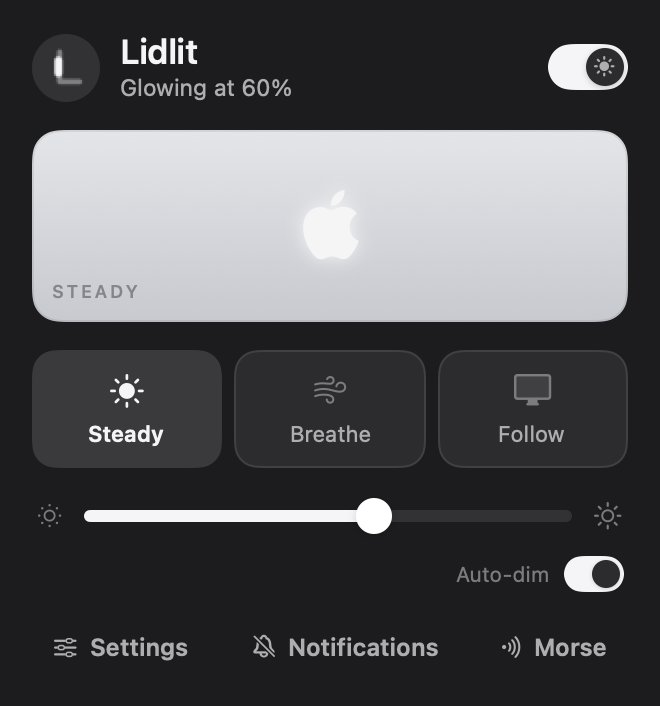
One switch, one slider. Softer in a dark room. Keeps glowing with the lid closed.
A quiet glow while you work. A blink when Claude is done.
Try it. Tap a notification to see the lid flash.
One switch, one slider. Softer in a dark room. Keeps glowing with the lid closed.
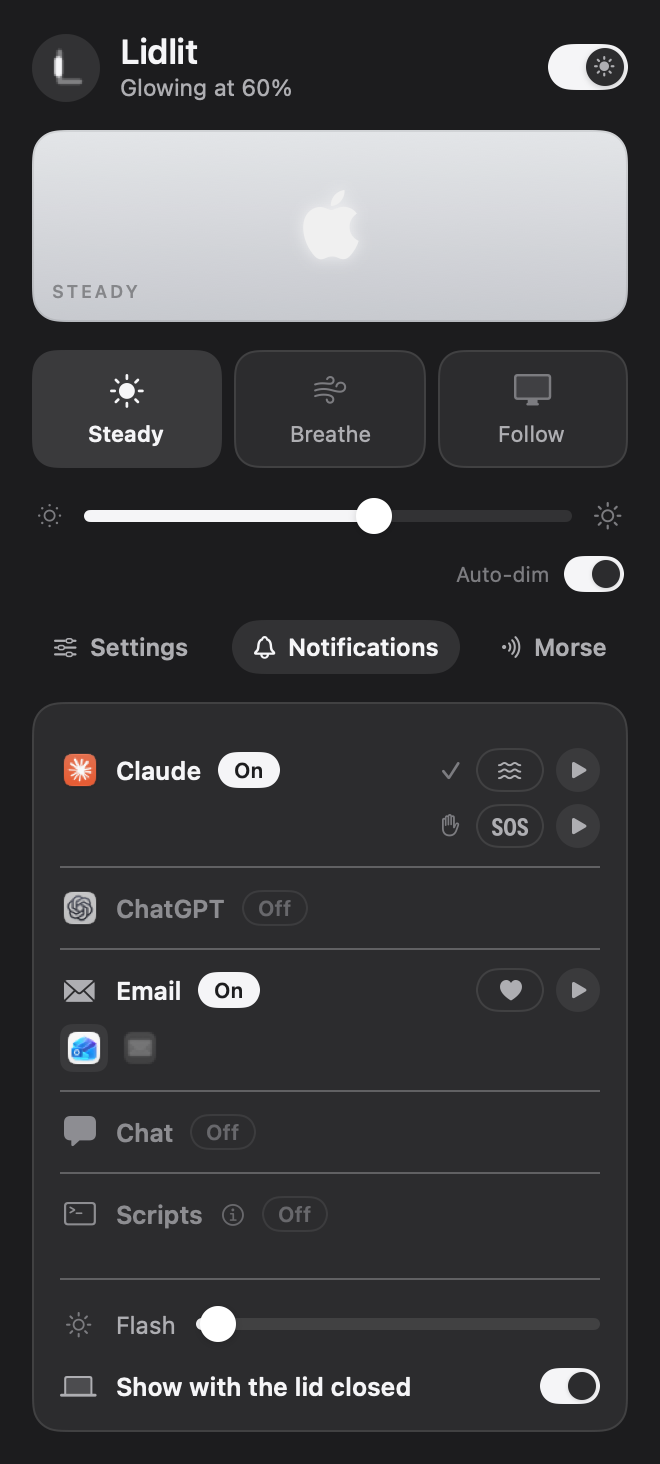
Claude, ChatGPT, email and chat. Each gets its own rhythm.
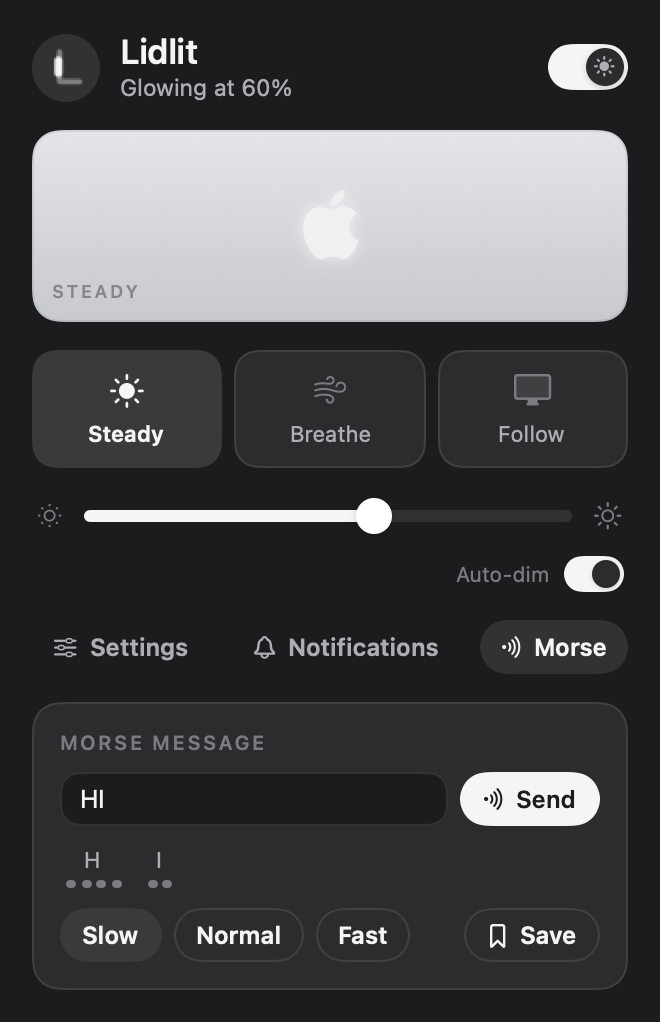
Type a message. The lid spells it out.
None you can measure: 0.0 % at rest. While breathing, macOS does the fading itself (about 2 % in its own brightness service).
Lidlit itself barely does anything. The light uses a little power, like any LED, and less at lower brightness. Turn it off any time.
Yes. Turn on Keep the glow, or let only notifications flash.
MacBook Pro XDR with a lit logo, macOS 14 or later.
No. The logo has a single white light, so signals use rhythm instead.
No. It only sees the unread count on an app's Dock icon, and only for apps you turn on. Nothing leaves your Mac.
Yes. Reset hands the light back to macOS, and quitting leaves it as it is.
The app isn't notarized yet. Open System Settings › Privacy & Security and click Open Anyway, once.